
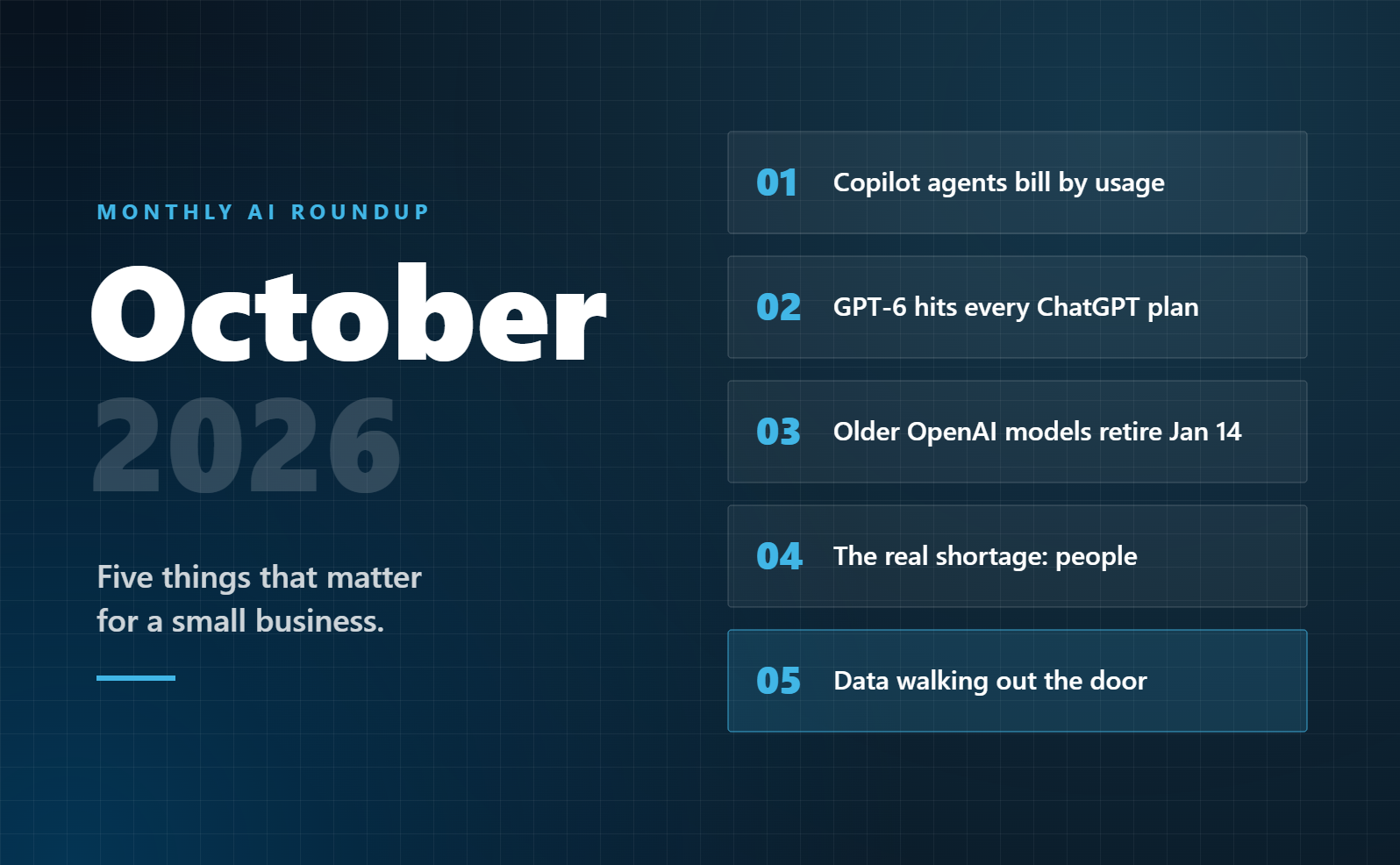
There was a lot of AI news in October. Most of it doesn’t change anything for a 20-person business. Five things do.
The common thread: AI is moving from a chat window that answers questions to agents that do work on their own. That can save real time. It also raises the stakes on three questions every owner should be able to answer: what it costs, what it can see, and who checks its work.
1. Copilot is becoming a workspace, and agent work is billed by usage
In late September, Microsoft announced a new version of Copilot that brings chat, Word, Excel, and PowerPoint into one place. It adds Code, for building simple apps by describing them, and Autopilot, an agent that “keeps working even when you’re not” (Microsoft). Many of these features are rolling out in stages through the fall.
The part that matters for your budget is how it’s billed. The per-user license still covers Copilot in chat and across Word, Excel, PowerPoint, Outlook, and Teams. But agent work is billed separately, by usage. Microsoft says admins can set spending policies and decide which groups of users get which models.
What to do: Before anyone turns on agents, set a spending limit and start with a small pilot group. Usage-based billing is easy to forget until the invoice arrives.
2. GPT-6 came to every ChatGPT plan, including free
On October 7, OpenAI rolled out GPT-6 to ChatGPT users globally, with a feature called Intelligent UI. ChatGPT can now answer with interactive charts, forms, and small calculators built on the spot (OpenAI).
This is useful, and it comes with a catch for businesses. When the free version gets this good, more of your staff will use it on personal accounts. And a polished-looking chart still rests on assumptions you can’t always see.
What to do: Remind your team to use AI on approved work accounts only. Agree that any number AI produces gets checked before it goes into a report or a client email.
3. Older OpenAI models are being retired on January 14
On October 14, OpenAI notified developers that GPT-4o, GPT-4o mini, GPT-4.1, and GPT-4.1 mini will be removed from its API on January 14, 2027 (OpenAI).
If your team only uses the ChatGPT app, you won’t notice a thing. But if a vendor built you a chatbot, an automation, or a website tool that runs on one of these models, it could stop working.
What to do: Ask any vendor who built AI into your systems one question: “Which model does this run on, and what’s the plan before January 14?”
4. The biggest AI shortage isn’t technology. It’s people.
Anthropic launched the Claude Frontier Academy, a $100 million commitment to train 10,000 engineers by the end of 2027. It describes talent as “one of the most pressing issues in AI implementation” (Anthropic).
That program is aimed at large companies, but the lesson applies to every business. The tools are getting better faster than most teams are learning to use them.
What to do: Name one person who owns AI in your business, even if it’s only a few hours a month. Then make training part of the rollout, not an afterthought.
5. The risk that didn’t make headlines: data walking out the door
This one isn’t new, but it’s getting worse while everyone watches the launches. In a Gartner survey, over 57% of employees said they use personal AI accounts for work, and 33% admitted putting sensitive information into unapproved tools (Gartner). Cyberhaven’s research found that 39.7% of all data moving into AI tools involves sensitive data (Cyberhaven).
Those studies cover larger companies, but the pattern holds for small ones too. If your team uses AI and you haven’t set rules, sensitive data is probably already going into tools you can’t see.
What to do: Write a one-page AI use policy that covers which tools are approved, which data never goes in, and who checks the output. Then find out what your team is actually using today.
Your October checklist
- Set a spending limit before turning on any Copilot agents
- Remind your team: approved tools, work accounts only
- Ask vendors which AI models your tools run on
- Name one person who owns AI in your business
- Write (or update) your AI use policy
Want to see where your data is leaking?
On Thursday, Nov 12, from 12 to 1 PM ET, we’re hosting the first Central Jersey AI Leaders Lab, a free, live hour for business owners. We’ll cover how small businesses leak data through AI without knowing it, the rules that stop it, and how to save real time safely.
Save your seatGet this roundup every month
We sort through the AI news so you don’t have to, and send you only what matters for a small business. Subscribe to our newsletter.

Sanjay Khosla is the founder and CEO of Blueprint AI. He has spent thirty-plus years in IT, built and sold two businesses, and now helps small and midsized businesses adopt AI safely and practically. More about Sanjay