
It’s budget season, and AI is probably on your list for 2027. The question most owners ask first is “How much is Copilot?” or “How much is ChatGPT?”
That’s the easy part. AI licenses run about $20 a person per month. The part that decides whether AI pays off is everything around the license: setup, training, the rules that keep your data safe, and someone to call when it doesn’t work.
Here’s how to build a 2027 AI budget that holds up, and how to tell whether it’s worth it.
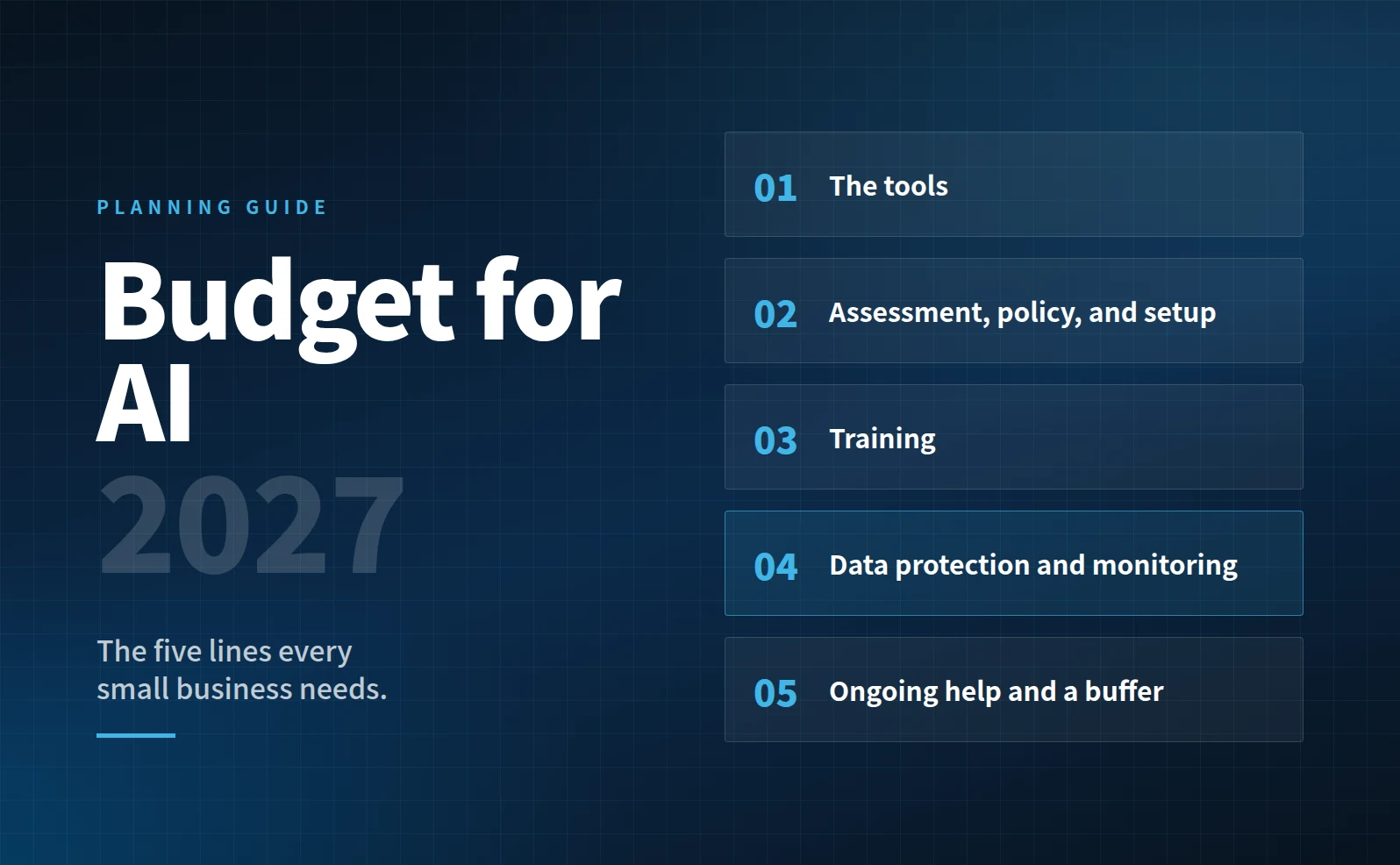
The five lines of a real AI budget
- The tools. Business plans for Claude and ChatGPT list at $20 per user per month on annual billing (Claude, OpenAI). Microsoft 365 Copilot is priced per user too, either as an add-on or bundled into a “with Copilot” Business plan. You don’t need to buy a seat for everyone. Start with the people who’ll use it most.
One new line to plan for is AI agents. Microsoft now bills Copilot’s agent work by usage rather than per user (Microsoft). Starting December 1, 2026, usage-based billing will be on by default for new Copilot Business subscriptions bought through Microsoft partners (Microsoft). Give agents a monthly cap, the way you’d cap a company card.
- Assessment, policy, and setup. This is a one-time cost: finding out what your team already uses, writing an AI use policy, and setting the tools up properly. Plan on a few thousand dollars for a small team, and more as headcount grows.
- Training. A tool nobody knows how to use well is a subscription, not an investment. Budget for whole-team training at the start and short refreshers through the year.
- Data protection and monitoring. This is the line most owners skip, and it’s the one that protects you. Your staff are probably already putting company information into AI tools you can’t see. Monitoring finds that “shadow AI” and stops sensitive data from leaving.
- Ongoing help and a buffer. Someone needs to answer questions, adjust things, and build the next automation. Then add about 10% for what you didn’t think of.
How to estimate the return
The math is simpler than it looks:
Hours saved per person each week × people who actually use it × working weeks × hourly cost
Start conservative. In a March 2026 Census Bureau survey, 56% of workers who used AI said it saved them two hours a week or less (U.S. Census Bureau). Business.com’s survey of 1,009 small business workers put the average at 5.6 hours a week (Business.com). Plan on the low end and treat anything above it as upside.
A worked example: a 15-person firm
Twelve people get Copilot. Each saves two hours a week, and 70% of them use it consistently. Their average hourly cost is $45.
| Line item | 2027 |
|---|---|
| AI tool licenses (12 seats) | $3,024 |
| AI agents, capped at $100 a month | $1,200 |
| Assessment, policy, and setup | $3,750 |
| Training | $1,800 |
| Data protection and monitoring | $1,728 |
| Ongoing help and automation | $6,000 |
| 10% buffer | $1,750 |
| Total 2027 AI budget | $19,252 |
| Value of time saved (773 hours) | $34,776 |
That’s about $1.81 back for every dollar, and it pays for itself in under seven months. Year two usually costs less, because the setup is already done.
These figures are estimates for illustration, not a quote.
Talk to your CPA before December
AI spending often lands in two buckets: monthly subscriptions, and one-time projects like setup and training. How each is treated, and whether it’s worth buying before year-end, depends on your situation. Bring your draft AI budget to your next meeting with your CPA.
Five budgeting mistakes to avoid
- Budgeting only for licenses. The tool is the cheapest line on the page.
- Buying seats for everyone on day one. Start with the people who’ll use it, and grow from there.
- Leaving agents uncapped. Usage-based billing is easy to forget until the invoice arrives.
- Skipping training. An unused license still costs money.
- No written policy. Without one, your data protection plan is hope.
Build your plan in five minutes
Our free 2027 AI Plan worksheet does the math for you. Enter your team size, tools, and hourly cost, and it shows your 2027 AI budget, the value of the time it saves, and how fast it pays for itself.
Build your 2027 AI planWant help with the data protection line? Join our free webinar on Thursday, Nov 12, from 12 to 1 PM ET. We’ll cover how small businesses leak data through AI without knowing it, and how to stop it.
Save your seat
Sanjay Khosla is the founder and CEO of Blueprint AI. He has spent thirty-plus years in IT, built and sold two businesses, and now helps small and midsized businesses adopt AI safely and practically. More about Sanjay